Controlling a Wireless Fan with Arduino
Learn how to wire and control a fan remotely using Arduino, BluetooIno, and an HC-05 Bluetooth module for wireless convenience.
Introduction
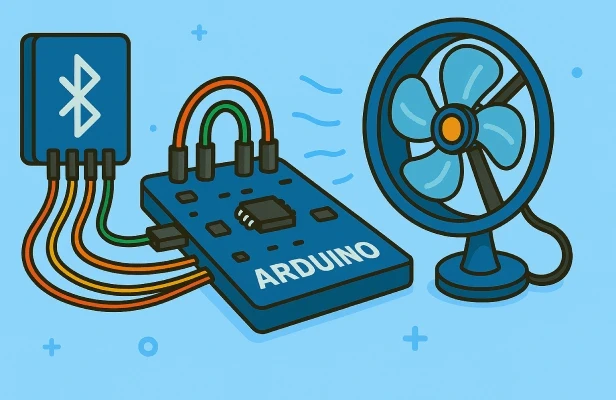
Controlling a fan wirelessly is a practical and beginner-friendly Arduino project that introduces you to Bluetooth communication and hardware control. It teaches basic circuit wiring with a relay or transistor to switch the fan on and off, combined with Bluetooth serial commands sent from your phone via BluetooIno. This project helps you grasp how to interface high-power devices safely while exploring wireless control.
How it works
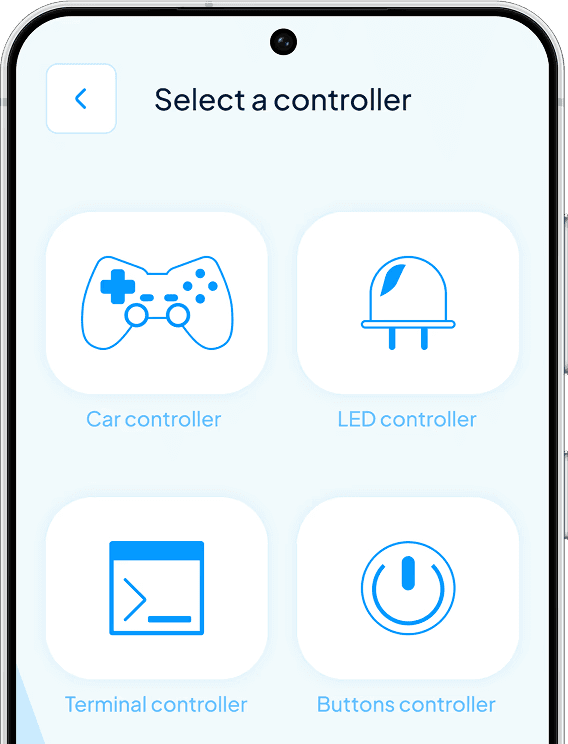
The fan controller works by using your phone to connect to the HC-05 Bluetooth module with BluetooIno’s Buttons Controller. Each button sends a command, like "ON" or "OFF", over Bluetooth to the Arduino. The Arduino receives the command through its serial interface and activates a relay or transistor to switch the fan’s power line accordingly. For example, pressing the "ON" button energizes the relay, powering the fan; pressing "OFF" cuts power.
Wiring the project
1.Connect the HC-05 module’s TX pin to Arduino RX (pin 0) and RX pin to Arduino TX (pin 1).
2.Connect HC-05 VCC and GND to Arduino’s 5V and GND.
3.Connect a relay module’s input pin to Arduino digital pin 8 (or any available pin).
4.Connect the fan’s power line through the relay’s normally open (NO) contact.
5.Power the relay module and fan according to their specifications, ensuring common grounds.
6.If using a transistor instead of a relay, wire it properly with a diode for back EMF protection.
Make sure all grounds share a common reference to avoid electrical issues.
Upload Arduino code that listens for serial commands and toggles the relay or transistor to turn the fan on or off based on the command received.
Conclusion
This wireless fan controller project is an excellent way to explore controlling real-world appliances using Arduino and Bluetooth. With BluetooIno, you can easily send commands from your phone, making it a practical and accessible project for beginners. Whether for a desk fan or part of a home automation setup, this project demonstrates safe, wireless control of high-power devices with ease.