Send Serial Commands with Bluetooino
Master the basics of serial communication by sending custom Bluetooth commands from your phone to an Arduino board using BluetooIno.
Introduction
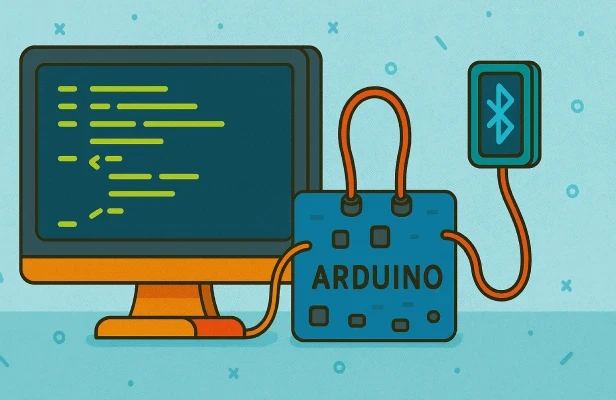
If you’re just getting started with Arduino, learning how to send and receive serial commands is one of the most essential skills you can build. This project is perfect for beginners because it strips things down to the core interaction: your phone sends a command, and the Arduino responds. With BluetooIno’s Terminal Controller, it’s easy to experiment with different messages and commands without needing a physical button panel or screen.
How it works
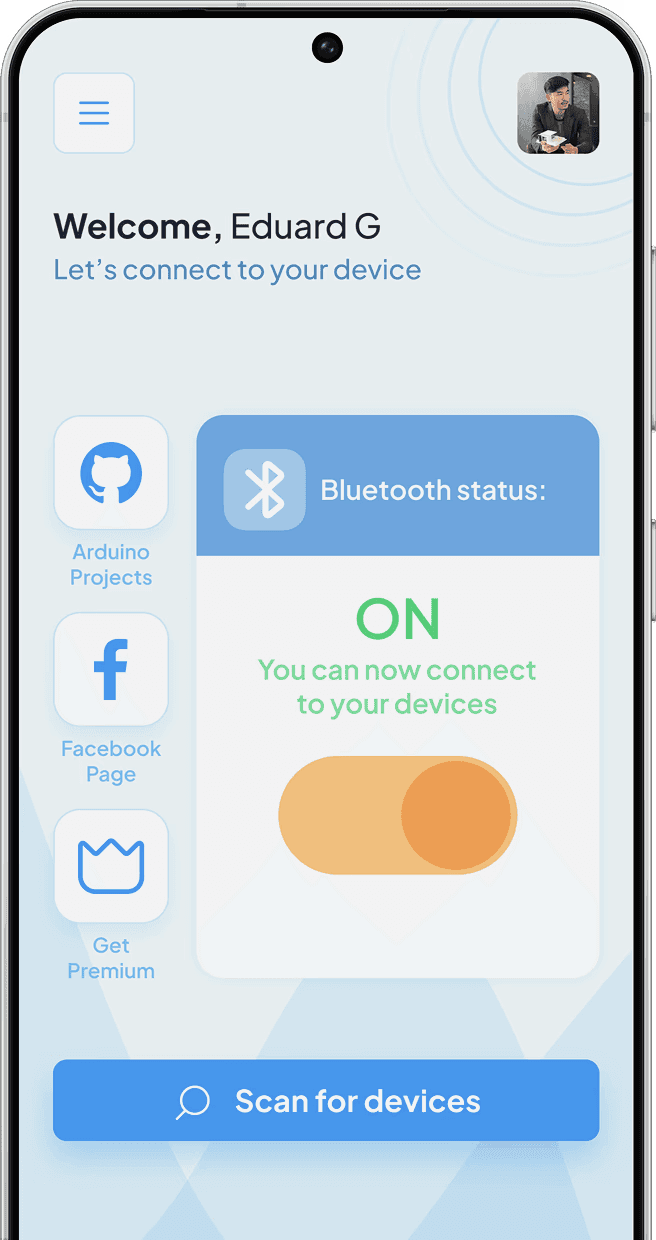
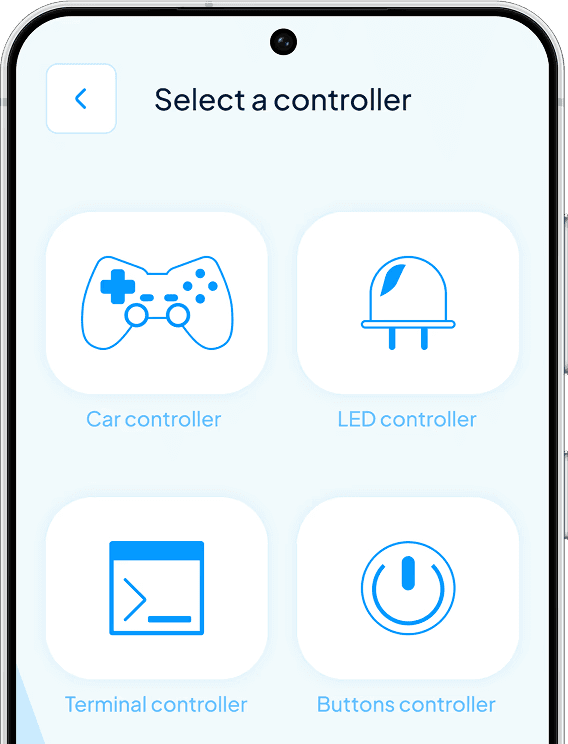
The workflow is simple and direct. You’ll open BluetooIno on your phone, connect to your HC-05 module, and select the Terminal Controller. From there, anything you type in the text input gets sent instantly over Bluetooth to the Arduino. The Arduino listens for these serial commands and can be programmed to respond in different ways — like turning on an LED, sending a message back, or controlling hardware. For example, typing "LED ON" in BluetooIno sends that string over Bluetooth, and the Arduino can read and parse it to trigger the desired action.
Wiring the project
1.Connect the HC-05 module’s TX pin to Arduino RX (pin 0).
2.Connect the HC-05 module’s RX pin to Arduino TX (pin 1).
3.Attach the VCC and GND of the HC-05 to the Arduino’s 5V and GND.
4.Optionally, connect an LED to Arduino pin 13 with a suitable resistor for testing.
Before running the project, upload a simple sketch to the Arduino that listens to incoming serial data and responds according to the commands you define.
If you want to expand this project later, you can wire up more LEDs, buzzers, or servos to different digital pins, reacting to custom serial messages.
The beauty of this setup is that it requires minimal wiring and hardware, letting you focus entirely on learning how devices communicate via Bluetooth.
Conclusion
This simple project is the perfect starting point for anyone wanting to understand how serial communication works between a phone and an Arduino. BluetooIno makes it easy to send and test commands wirelessly without the hassle of physical buttons or screens. It’s a fast, effective way to practice serial data handling and opens the door to more advanced remote-controlled projects.